🎯 Why buy Zoom Pro upgrade from AvengerHub?
- Common pain: meetings end too soon, classes get interrupted, and free plans don’t scale well.
- Owner upgrade: we upgrade your own account—not a shared account.
- Clear process: you know exactly what we need, how we deliver, and what to do after activation.
- Warranty during the whole term: we help fix plan/activation issues that occur within your purchased period.
- Security-first: use a temporary password and change it right after handover.
What is this product for?
Zoom Pro Owner Upgrade is for anyone who runs online teaching, coaching, team meetings, training sessions, demos, or long calls and wants a smoother, more professional experience.
You choose the term (1/3/6/12 months) and the meeting capacity (100/300), then we apply the upgrade directly on your account.
Key benefits & features
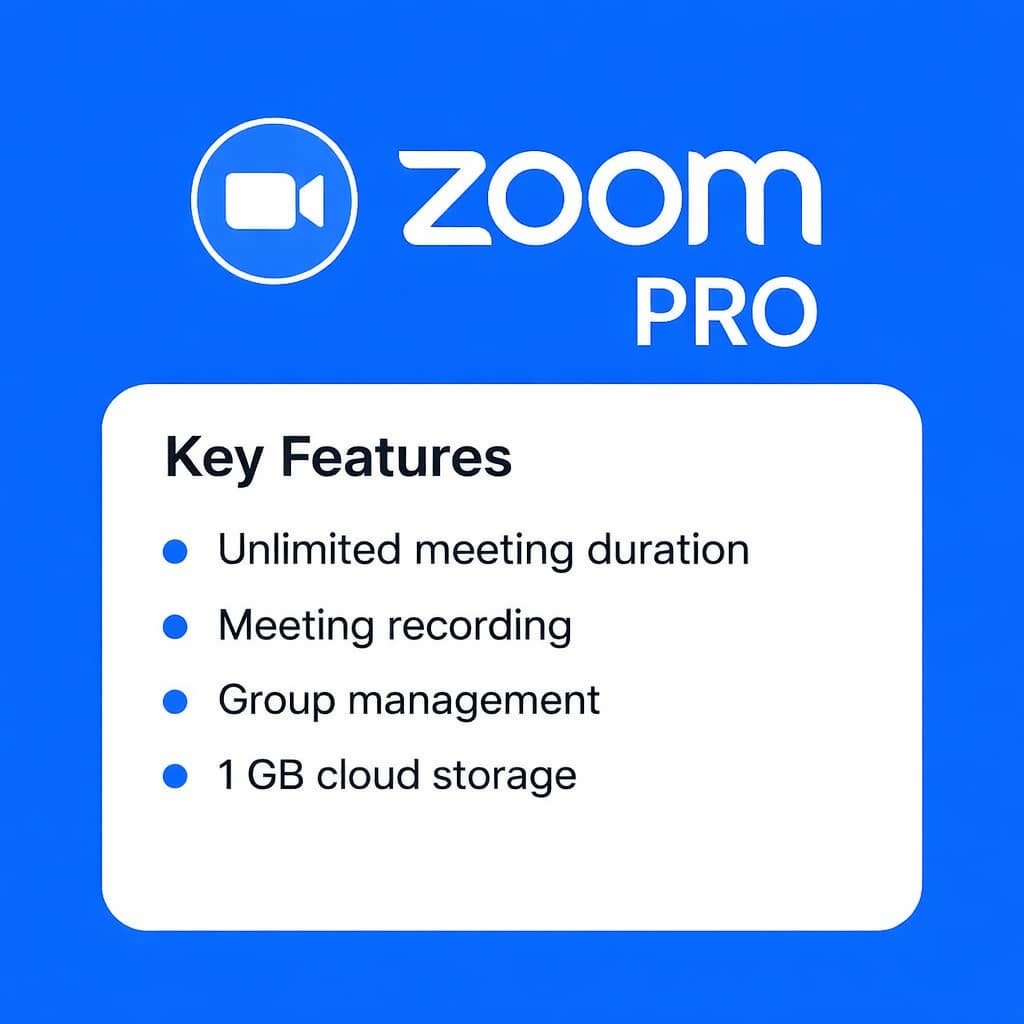
- Long meetings: paid plans support sessions up to 30 hours (plan-based).
- Capacity options: pick 100 or 300 participants per meeting (plan-based).
- Recording: supports recording features and cloud storage according to plan.
- Better operations: more suitable for classes, trainings, and internal meetings.
*Exact entitlements depend on Zoom’s plan display at the time of activation. AvengerHub upgrades based on the option you purchase.
Quick comparison – choose the right option
| Item | 100 participants (Pro) | 300 participants (Business-level capacity) |
|---|---|---|
| Best for | Teachers, small teams, coaching | Training, larger classes, companies |
| Meeting capacity | Up to 100 participants | Up to 300 participants |
| Meeting duration | Up to 30 hours (plan-based) | Up to 30 hours (plan-based) |
| Cloud recording | Included per plan (example: 10GB per license) | Included per plan (example: 10GB per license) |
| Renewal | Renew anytime by re-ordering | Renew anytime by re-ordering |
Recommendation:
- Try first: 1 month.
- Regular use: 3–6 months.
- Stable long-term: 12 months.
- Large classes/trainings: choose 300 capacity.
🔍 How it works (Direct account upgrade)
- Select your term (1/3/6/12 months) and capacity (100/300).
- Checkout and submit your Zoom login details via the form.
- We upgrade your account according to your purchased option.
- Handover: you log in to verify, then change your password for security.
Important notes before purchase
- Please do not change your password while we are processing the upgrade.
- If your account requires extra verification, we’ll guide you step-by-step.
- Use a temporary password and update it immediately after handover.
🌟 Why this is worth it
- Fewer interruptions: better for long classes and meetings.
- Right-sized plans: pay for what you actually need (100 vs 300).
- Owner control: stays on your account; you manage security and access.
- Support included: help during the term if technical issues occur.
📌 Policy & support
- Warranty: valid throughout your purchased term.
- Technical support: plan verification + basic setup guidance after upgrade.
- Refund: only if we cannot deliver the correct purchased option and cannot fix it.
- Security: we recommend a temporary password and a password change after delivery.
📖 How to buy & use (1–2–3–4)
- Choose term + capacity.
- Click Buy Now to checkout faster.
- Submit your account info (email + temporary password).
- Receive handover → verify → change password → start using.
❓ FAQ
1) Is this an official upgrade?
We upgrade your account according to the option you purchase, and it appears directly inside your Zoom account.
2) Do you need my password?
Yes, for processing the upgrade. Use a temporary password and change it right after handover.
3) Is this a shared account?
No. This is an owner upgrade applied on your account.
4) Can my account get locked?
No provider can promise “zero risk” forever. We follow a proper upgrade process and provide security guidance to reduce risk during usage.
5) How long does it last?
Depends on the term you choose: 1/3/6/12 months.
6) Can I renew later?
Yes. Re-order the same option and we renew on the same account.
7) What should I do after upgrade?
Log in to verify, then change your password and keep your login secure.
🚀 Final call
Need stable online teaching or long meetings? Choose your term and capacity (100/300), checkout, and we’ll upgrade directly on your account.
Select option → Buy Now → Submit info → Verify → Change password and you’re ready.



Reviews
There are no reviews yet.